OPTIMAPS FOR HEATING ENGINEERS

Your work follows the seasons. Your profile can too.

Servicing, installations and repairs answer different needs. Help customers understand what your team takes on, and prepare useful information before your busiest time of year.

See the before and after ↓

Free optimisation · No bank card

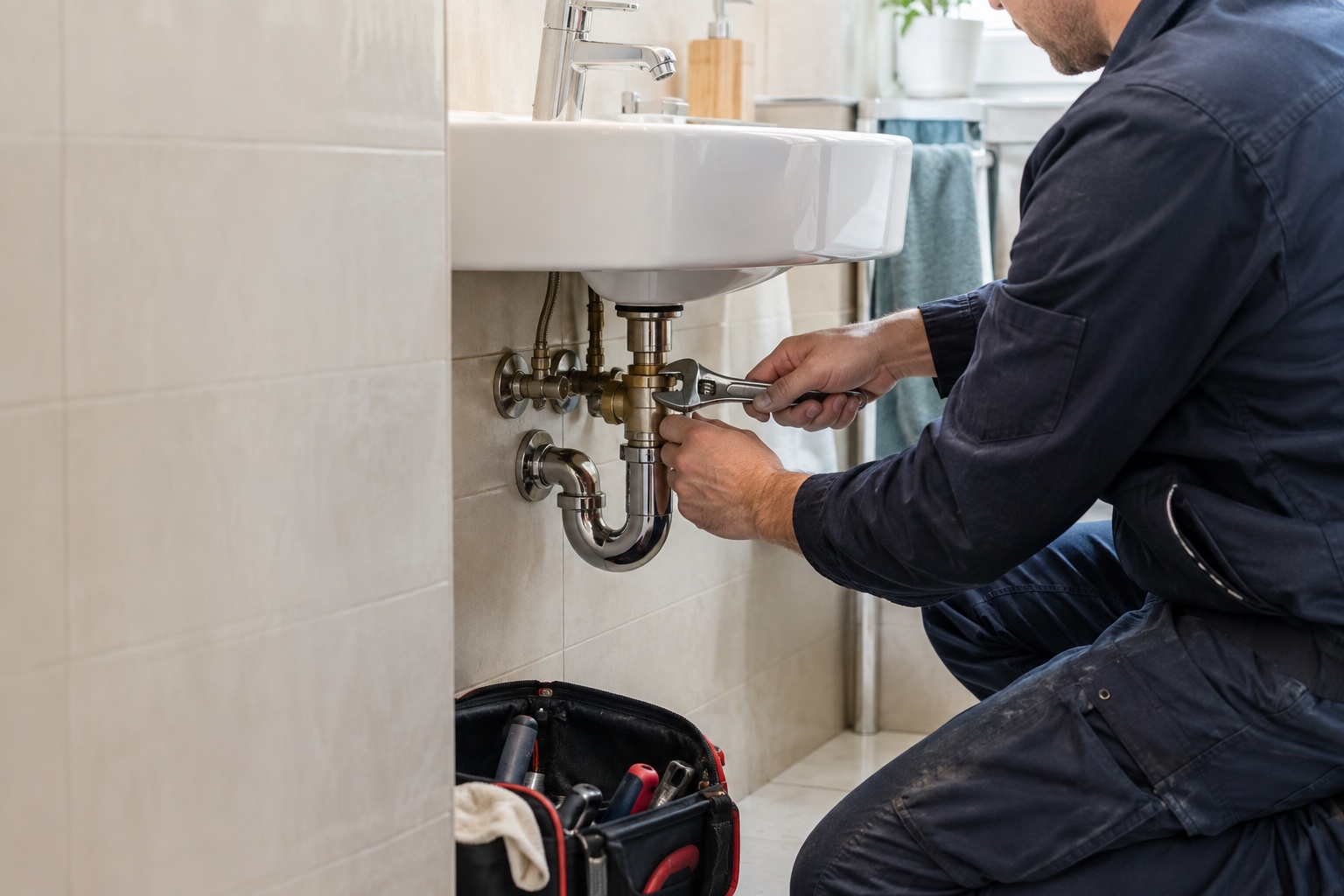
A heating engineer examines a heating system — illustration
Your trade. Your expertise.

Trade scene created to illustrate Optimaps.

YOUR GOOGLE PROFILE: BEFORE AND AFTER

One click to see the difference.

An example for heating engineers, inspired by the layout of a Google profile.

Heating engineer · Lille

Your customers see
the difference.

A complete profile helps people understand your business, explore your services and contact you.

  • Your expertise, explained

    A description over 350 characters.

  • Detailed services

    Four services, each with a description.

  • Helpful information to choose you

    Photos and practical details completed in Optimaps.

Try the switch to transform the profile

After your approval · Free optimisation

Before / after exampleBefore

Before

Confort Habitat

4,8★★★★★(24 reviews)

Heating engineer · Lille

Fictional example · profile content in French
DirectionsSaveWebsiteCall
OverviewReviewsServicesPhotos

Lille

Opening hours missing

Website missing

06 •• •• •• ••

About Confort Habitat

No business description.

Services

1 service
Entretien de chauffage

No description

After

Confort Habitat

4,8★★★★★(24 reviews)

Heating engineer · Lille

Fictional example · profile content in French
DirectionsSaveWebsiteCall
OverviewReviewsServicesPhotos

Lille et La Madeleine

Open · Closes at 18:00

chauffagiste.example

06 •• •• •• ••

About Confort Habitat

491 characters

Confort Habitat vous accueille à Lille et vous accompagne dans vos demandes en lien avec son activité. Les prestations proposées comprennent entretien de chauffage, installation de chaudière, dépannage de chauffage, réglage des radiateurs. Chaque demande commence par un échange avec l’équipe pour préciser vos attentes, les modalités et les disponibilités. Consultez les informations pratiques et contactez l’établissement pour présenter votre besoin et préparer votre prochain rendez-vous.

Services

4 services described
Entretien de chauffage

Vérifier le fonctionnement des équipements de chauffage.

Installation de chaudière

Préparer le remplacement de votre chaudière selon votre logement.

Dépannage de chauffage

Rechercher la cause d’une panne avant de proposer une intervention.

Réglage des radiateurs

Ajuster les émetteurs pour une chaleur mieux répartie.

Try it: this example does not change any profile.

Fictional example, not a customer screenshot. Rating and reviews stay unchanged. Optimaps applies your description and services after approval. Complete and approve photos, hours and towns in Optimaps.

IN YOUR WORKING DAY

The details that make
the first step easier.

01

Name the equipment you support

Explain which systems you actually work on and which services you provide for them. A customer should not have to guess whether their enquiry is relevant from a description that simply says heating.

02

Prepare for busy periods

Get practical information ready before seasonal demand increases. Invite people to contact you without promising appointment slots, emergency cover or availability that your team has not confirmed.

03

Keep qualifications accurate

Check any suggested wording about approvals, partner brands or financial support. Someone who knows the business should verify these details before they appear in a service description or post.

WITH OPTIMAPS

One simple workspace.
Practical steps.

The same tools, applied to the needs of your business.

All features ↗
  1. Find the details to complete

    The analysis highlights information that can be checked on your profile. Start with your contact details and a clear explanation of the equipment and services you support.

  2. Prepare content ahead of time

    Draft a post about making an enquiry or the systems you work on. Review it, then publish or schedule it from Optimaps when the information is relevant.

  3. Follow up on customer feedback

    Read reviews and prepare replies in your workspace. Available performance data helps you follow profile interactions, without treating clicks or calls as confirmed jobs.

PUT IT INTO PRACTICE

A useful topic.
Words that sound like you.

Help someone prepare a servicing enquiry: a starting point for a post, to adapt with the facts of your business.

Fictional example, not published. Confirm services and arrangements before using it.

Your next postExample to adapt
Illustration · replace with your own photo
Would you like to contact us about your heating? Let us know the type of equipment and what you need help with. We can check whether our team supports your installation and explain the next steps.
Draft · Ready to review

YOUR QUESTIONS

A few more
details.

For heating engineers getting to know Optimaps.

How can I prepare posts before a busy period?

Keep a short list of common questions about contacting you and the equipment you support. Prepare drafts in advance, then check the facts and current availability before approving publication.

Which details should my team review?

Verify the equipment, brands, services and qualifications mentioned. Claims about grants, financial support or savings need their own checks before you use them.

How do I handle holidays or closures?

Review your regular and special opening hours in Optimaps before the dates concerned. Check the changes, approve their submission and follow the confirmation shown for your profile.

HELPFUL GUIDES

Explore further.

All guides ↗

YOUR NEXT STEP

Your Google profile, optimised.
In 1 click. For free.

Optimaps prepares your description and services. You review and approve them, then one click starts the free update.

See plans
You stay in control.

Review the suggestions and choose which actions to approve. Optimisation is free; management tools are optional. Examples do not guarantee results.